Women’s Health Fair on Oleander Island today in SL

Womenshealthfair_001

Today at Oleander Island (click here to teleport), come to the Second Life Women’s Health Fair, where medical professionals will speak on important health issues affecting women including cancer, heart ailments, and PCOS — a hidden womens health problem. There will also be a silent auction, with proceeds going to the organization Drive By Agony/Life Learning programs, which assists victims of crime, teaches young people violence prevention methods for everyday life. From 8 am – 1 pm PST.

Written by: rikomatic

SLNN Profiles the American Cancer Society

The SLNN has a nice write-up about the American Cancer Society’s activities in Second Life beyond the Relay for Life. It’s a good summary of how an effective real world non-profit is learning now to leverage Second Life’s strengths to reach their target audience and promote their cause. RC Moss of the ACS noted that, “Anyone who will be a success in SL has to understand SL the culture, the technology. Know what you as an NGO want to get out of your SL experience.” Moss explained, “I always look to our RL success and imagine new ways to transfer programs and mission delivery into SL.”

Read the whole article here.

Written by: rikomatic

Barry Joseph Talks About Global Kids at NPC Meeting Today!

The highlight of today’s meeting was Barry Joseph who gave a high energy chat about his work at Global Kids. Here’s some of the transcript:

Global Kids is a NYC base educational org we work with tens around the city to develop the skills around global issues 8 years ago I founded out Online Leadership program
The Online Leadership Program combines youth development practices and world affairs with the development of high profile digital media projects to empower teens with 21st Century Skills, such as critical thinking, self-education, global knowledge, and personal empowerment.

The programs:

Virtual Video Project (VVP) The Virtual Video Project is a city-wide after-school program designed for teens interested in learning about making 3-D animated movies, global citizenship and civic engagement.

Two days a week. Global Kids computer lab.

The D.I.D.I. Initiative – The D.I.D.I. Initiative is a partnership in Second Life between Youth Venture and Global Kids to improve health and healthcare by supporting 40 groups of teens to develop social entrepreneurial projects organized within Second Life. Over 18 months, managed from the Global Kids office.

Second Life Curriculum – The Second Life Curriculum is the first public resource for using Second Life in an educational setting. It consists of over two hundred lesson plans. This fall we will offer the curriculum in a print and downloadable form, offer trainings in the new Global Kids computer lab, and start development on a comic book version using game-based learning theories.

The Second Life Science Project – Global Kids will be launching a winter/spring after school program to use Second Life to teach global issues, basic science, and computer programming. It will either be at Global Kids or Canarsie High School.

The International Justice Center – The International Justice Center in Second Life will provide a hub for raising awareness and increasing engagement around the International Criminal Court and its activities by offering educational programs, dialogues, and online and offline outreach material while supporting collaboration between individuals and organizations.

MacArthur Competitions in TSL – Global Kids will bring five areas of the MacArthur foundation into Teen Second Life — Affordable Housing, Community Change, Juvenile Justice, Global Migration and Human Mobility, and Conservation and Sustainable Development — through a year-long series of competitions
and workshops.

SL Summer Camps – Global Kids has run three summer programs within Second Life. In 2006, we took P.O.C. workshops into SL and challenged the teens to do something around an issue of their choice. In response they built a maze against child sex trafficking. This summer we ran the Convention on the Rights of the Child (CRC) Machinima Camp for UNICEF, which taught teens about the CRC and machinima production; the teens produced ten one-minute long videos about the CRC. The second summer program was a partnership with the United States Holocaust Memorial Museum in which youth from Washington, D.C., meeting at the museum, curated an exhibit about being a bystander during the Holocaust.

SL Teen Intern Program – Our new, ongoing teen intern program in Second Life is aimed at developing leadership amongst TSL residents around global and social issues.

Webcast MacArthur’s Digital Media and Learning Forums – Global Kids will stream five broadcasts into Teen Second Life, Second Life, and on the web of live public events related to current trends in digital media and learning. The first will be the upcoming MacArthur Forum on Virtual Worlds and

Learning in L.A. on November 14th – will be live in L.A. and on the USC Campus in SL.
http://www.holymeatballs.org/2007/10/invitation_wednesday.html

In addition, we will be releasing our
two reports from the SLCC – one reviewing the education track and one on best practices for non-profits in Second Life. We hope to have a follow up event from the two authors – one who is hre right now! – later this month in Second Life.
Advocate for the Role of Non-Profits and Philanthropies in Virtual Worlds – Global Kids will write and publish a number papers, reports and recommendation papers on the role of non-profits and philanthropies in virtual worlds. In addition, GK will run a conference, or a thread within an existing conference, on this topic.

Written by: kanter
Residents of Second Life Stood Up against poverty

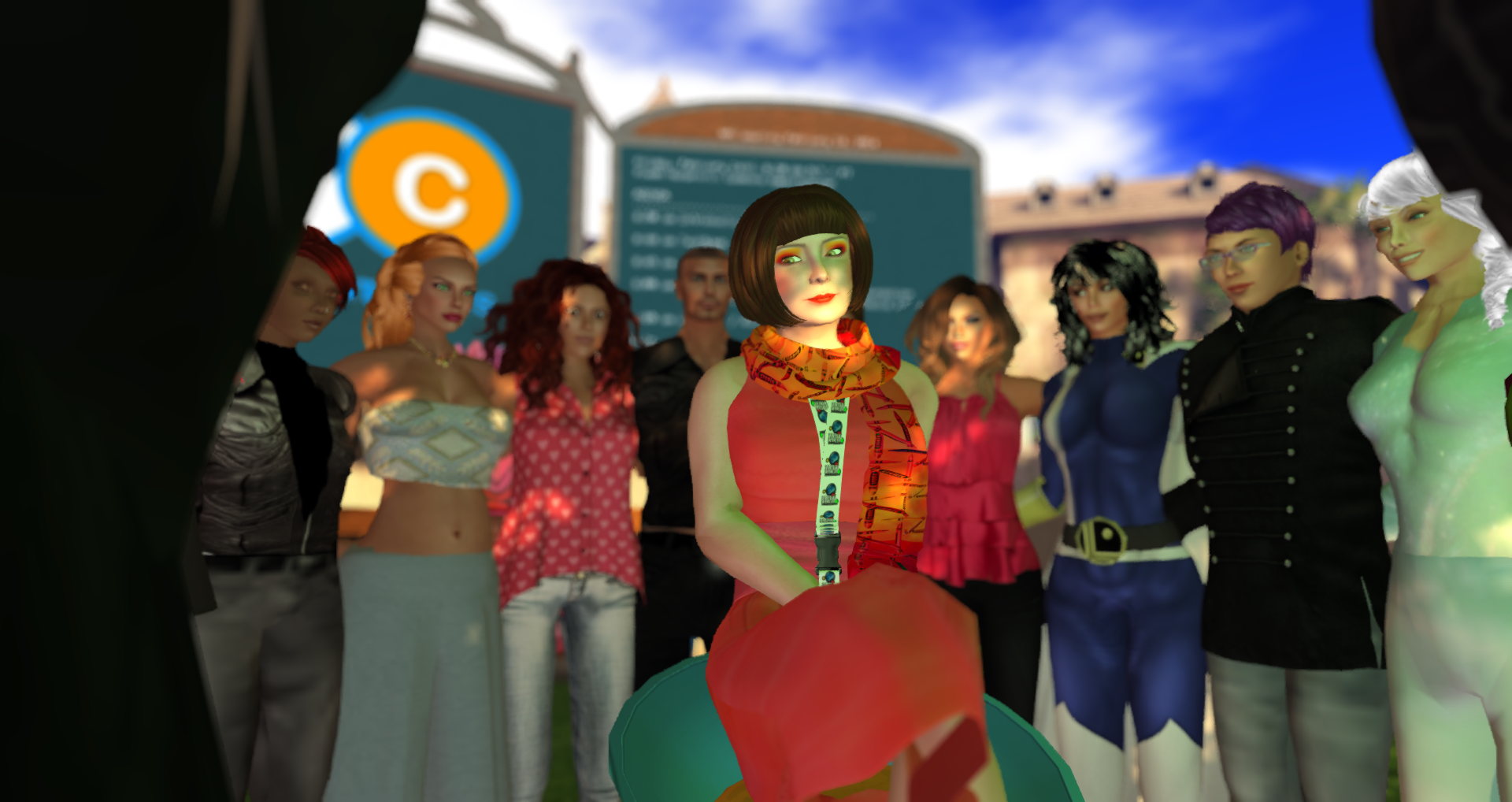
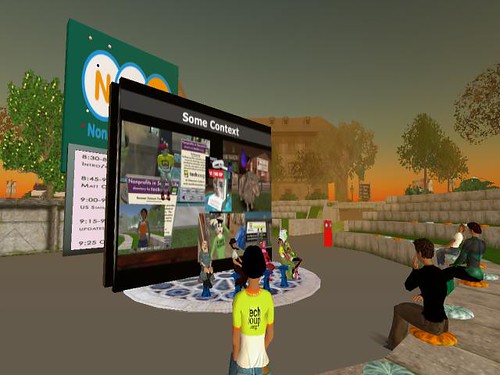
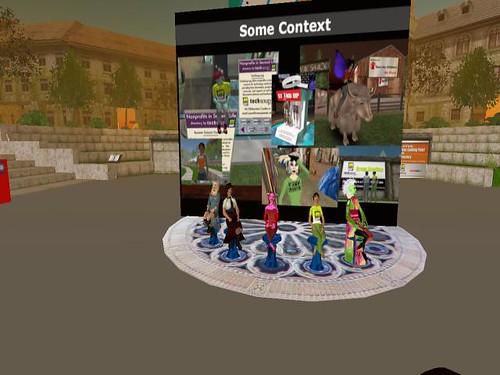
Over 38.8 million people, in 110 countries participated in this years Stand Up and Speak Out event, a global initiative launched by the United Nations Millennium Campaign, to show support for the UN Millennium Development goals and against poverty. We joined them in their call by organising a Stand Up Against Poverty event in the virtual world Second Life. We had 70 visitors to our virtual Fight Hunger office at the Nonprofit Commons during the both events and it was really nice to meet so many interesting people and discuss ways to help end poverty and hunger. Our avatar Fight Hunchke had invaluable help of the avatar DrChaos Torok with organising the Stand Up event.

During the Stand Up in Second Life, the visitors were given free Stand Up bracelets and T-shirts to show their support for the UN Millennium Development goals. Here you find a link to our Fight Hunger office in Second Life.

The worldwide “Stand Up and Speak Out” event broke the Guinness World Record for the largest number of people to “Stand Up Against Poverty” in 24 hours. The record attempt took place over 16th and 17th October and was jointly organised by the United Nations Millennium Campaign and the Global Call to Action against Poverty with a wide range of other partners. The challenge saw millions of people physically and intentionally standing up against poverty, inequality and in support of the Millennium Development Goals. They spoke out to demand a more urgent political response to the growing crisis of global poverty.
Written by: FightHunger.org

California Association of Nonprofits Broadcast from Second Life…in Voice Chat

conference

Yesterday Glitter, Jessika, Ine Kenzo, and Beth Kavka were all presenting in-world for the California Association of Nonprofits conference. As a last minute idea, I decided to join the conference in-world as an audience member. Glitteractica Cookie sat across from in the real world as her avatar fielded questions and answers from the presentation.

I’m a relative newbie to Second Life and this was my first trying out voice chat. It was a challenge to get the audio to work just right. We experienced some connectivity trouble at our end, which meant we had trouble hearing the speakers; other times, it sounded like voices were gargling when they spoke and a couple of times we lost audio completely.

However, when the audio did work, it was this amazing experience. There were so many levels of simultaneous communication: audio from Second Life, the visual in-world slide presentation and text chat conversation. Then in real life, I could see and hear Glitter speak in the room with me, then hear her voice echo back in-world. I couldn’t hear the questions from the live conference in Los Angeles, but that adds yet another layer to the multiple communication channels.

I was nervous because I was trying out many things for the first time in-world. In addition to juggling the audio, I played around with taking pictures of the event and even teleported another avatar into the session. I’m finding that Second Life is a lot like learning a new sport. It’s hard not to get discouraged at first because you don’t yet have the skills or the rules down to be a competent player. But just as exciting as it is when you make that one catch or hit that one ball, when I’m successful in doing a new thing, it adds to my confidence and interest in wanting to keep practicing.

I can see where many people might try out the voice chat and after finding the configuration and sound quality to be frustrating, dismiss voice as something too problematic to use. There were certainly a few times where I felt the same way, but then I thought back to the earlier days of the Internet. I remember when it took fifteen minutes to send an email or I’d have to try to dial up multiple times to get an Internet connection. Technology has come a long way since then, and I think voice chat is the same way–it’s still a relatively new feature in Second Life and it will gradually become an easier tool to use over time.

conference

Written by: penguin kuhn

In Praise of Interoperability: Facebook finally goes to SecondLife


After the Virtual Worlds conference, the universal mantra seemed to be “we need interoperability!” Well, guess what folks? It has started. Enter Facebook in SL…although the entry in a little awkward (you have to TP in to the Facebook headquarters inworld and then verify yourself and then leave again to complete your profile, which is somewhat limited and doesn’t integrate well with your original FB profile), it is still a step in the right direction.

So, why would you want to have interoperability between virtual worlds and other online social networks and other virtual worlds? Because it would allow you to find the place location for where you want to post/interact/connect and work within that environment, without having to constantly jump around between locations to talk about it to your other existing networks.

To quote Christian Renaud, in his must-read piece, Ode to Interoperability The benefit to business of interoperability is that you have freedom of choice to pick a provider of the environment that best suits your use case (simulation, training, collaboration, etc.) without it being segregated from the benefits of the network-effect of the Internet and the many tens of thousands of active users of other virtual worlds. It doesn’t have to be an ‘either-or’ decision, with all of the risk of sunk development costs shouldered by the customer, but rather ‘and also’ as the platform you choose can interact with other virtual world platforms.

So far, the app. doesn’t do that much, IMHO. It allows you to display your avatar on your profile, which I did anyway, in my RL facebook profile, and it indicates when you’re inworld (which secondlife.com has done for ages). I am not really sure of the advantages of being able to see images of your friends’ avatars, since we already all know and love our friends’ avies. However, on the plus side, it also allows you to share your picks and favorite SL locations and it has SLurls embedded, so you can easily TP to the places.

Apparently, this is old-hat to some, and there are actually two applications that do this…not sure why I found out so late in the game. For more information about these two apps, check out Giving your Facebook profile a Second Life. I have asked Fire Centaur, the creator of Second Life Link that I just joined to speak at our weekly Nonprofit Commons meeting this Friday.

How could you see interoperability benefiting your work in SL?

Written by: Glitteractica_Cookie

Drupal Basics-Setting Up A Local Install of Drupal on a Mac

Seeing as this site is a Drupal site, I thought our members might be interested in how to set up Drupal locally on a computer.

The first time I ever set up a local install of Drupal was a copy of 4.7.4.  I remember aspects of setting things up being a little convoluted.  5.x had not gone into full release–I believe it was in RC 1.  So there was no installer and it proved to be an interesting challenge.  With the advent of 5.x, things have become much simpler.  I’m going to describe how to set up a local install of Drupal 5.x on a Mac.

First

  1. Get a copy of MAMP–it stands for Mac Apache, MySQL, PHP.  The linux version is called LAMP and the windows version is called WAMP
  2. Download the version of Drupal you want to install from Drupal.org

Next

  1. Extract the instance of Drupal you want to install
  2. Pop extracted directory into MAMP’s htdocs folder– /applications/MAMP/htdocs
  3. Fire up MAMP and click on "Open Start Page"
  4. Click on phpMyAdmin in the menu bar at the top of the page
  5. Click on the "databases" link in the main body of the page
  6. At the bottom of this page is a text box that reads "create new database", type in a name for your new database and choose a "collation", I use latin1_swedish_ci
  7. Create a user for the database–click on the sql tab up top and use the following command "grant all on database_name accounts.* to user_name@localhost identified by ‘password’;" with no quotes and replacing database_name with the database, user_name with any name you care to put in, and password with an password you care to use
  8. In your browser go to http://localhost:8888 and click twice on the directory with Drupal in it.
  9. Enter the database name, database username, and database password in the appropriate fields–leave the database type as mysql.  Click "Save configuration"
  10. You now have a working instance of Drupal on your computer!  Click on "your new site" and create user 1.

Remember that to have your Drupal instance working, you have to start MAMP up before going to the localhost Web address.  You can load modules in and configure this just as you would a live site.  It also give you an easy way to play with theming.

Written by: Creech

Drupal Basics-Feed Categories

I was asked by a good friend if I could merge the NPSL Offside Links and the Deli.cio.us NPSL links feeds into a single feed on nonprofitcommons.com in a block on the left side of the site. I took care of it this evening, and it is actually a piece of cake to do. These steps work in Drupal 5.x.

  1. Log into your Drupal site in an administrative capacity
  2. Click on "Administer"
  3. Click on "News Aggregator"
  4. Click on "Add Category"
  5. Create your Category

After you have a Category set up, the next step is to add exterior feeds.

  1. Click on "Add Feed"
  2. Fill out this form, and make sure you check the box that has your category
  3. Repeat for as many feeds that you want to aggregate into a single list.

Next step…you need to go to your administrative menu and click on "Site Building"

  1. Click on "Blocks"
  2. You will find in your list of inactive blocks an item named "xxxx category latest items". Click on "Configure".
  3. You can override the default name of the block (which is currently the category name) by entering something in the title. Next you choose the number of items you want to have show up in the block.
  4. Choose the additional parameters you’d like to turn on or off such as the roles to see the block, what pages the block should show up on and so forth.
  5. Save the block.
  6. Assign the block a location and a weight.

Keep in mind that your feeds won’t update unless you have cron running. If you want to manually run cron to see the fruits of your labour, type in your URL bar http://yoursite.com/cron.php.

Written by: Creech