See Jeska Dzwigalski at TechSoup’s Online Community Meetup in SL and SF this Wednesday, March 23

We are very happy to announce that this Wednesday, at 7pm, we will be featuring at TechSoup’s next Online Community Meetup  Jeska Dzwigalski, Director of Content for Wikia and former Director of community at Linden Lab  / Second Life.

Jeska oversees marketing, content and community development for over 165,000 active wiki communities, with over 2 million users. Previously, she spent 6 years at Linden Lab leading Community and Product development projects within the virtual world of Second Life. Visit www.Jeska.org and @jeskad on Twitter, for more info.

Jeska will do a brief presentation on Encouraging Community Collaboration, followed by guided discussion on that and other large community management challenges.

SF Online Community MeetUp is the free monthly gathering of online community managers, enthusiasts, and innovators to meet and discuss tools and strategies for building and managing effective communities.

We will be live-streaming the event in SecondLife at the Nonprofit Commons amphitheater (teleport link), and tweeting using #octribe (online community) tag.

TechSoup’s Online Community Meetup

Wednesday, March 23, 2011 at 7:00 PM

TechSoup Headquarters – 525 Brannan Street San Francisco, CA

For those attending in person, please RSVP here: http://meetu.ps/yCgx

See you all there!

Written by: rikomatic

SL and Skype voice troubleshooting

Let’s face it. We all know that SL’s voice isn’t totally stable, but there are a few things you can do to clear up a bad connection on the fly or make a dead mike work.

Dead mike – If your SL client is not recognizing your microphone (most common reason for a dead mike), go into (on viewer 2) ME – PREFERENCES – SOUND AND MEDIA TAB – INPUT DEVICES TAB then select your microphone. It should say something similar to (Microphone (Logitech Voicemaster USB) as one of the selections. Usually the selection labeled “default” is not the one you want. Only try it as a last resort.

If this doesn’t work, on windows 7, go into START – CONTROL PANEL – DEVICES AND PRINTERS then look in there and you should see your microphone. If not, make sure you have drivers installed for it. Right click to make it your default device, then close. Restart SL and it should pick up the mike in the previously mentioned input devices tab.

If neither of these work, it may be that your mike is simply damaged (They do break very easily) or not compatible – in this case, replace the mike with another, preferably newer model.

IF YOUR MIKE IS BEING DETECTED BUT DOESN’T WORK, make sure that the SL voice client is enabled. You can easily tell by looking at yourself and seeing if avatars have a white dot. If they don’t, voice is down. Look at the top of your screen in the location bar – if you see a sound symbol with a red hash over it, the sim owner has deliberately turned voice off. If voice is available, the simplest thing to do is to relog SL and see if the Vivox server catches it and starts up voice for you. If this doesn’t work after a couple tries, hit cntrl-alt-delete and then show all processes button. Manually kill the Vivox client which is called SLvoice.exe, then restart SL. It should force the Vivox server to notice you and send a new handshake signal, thus re-enabling SL voice.

Skype —

This is actually quite similar to troubleshooting SL. You get to this setting by using EDIT – TOOLS – OPTIONS and there you will see your hardware settings. Just make sure that your input and output are on the desired device(s) and you should be good to go. The no-go situations from SL also apply here. Damaged mikes wont work any better on Skype than they do on SL

GLOBAL –

In all cases, use USB hardware. Analog headsets may or may not work, and should only be used by advanced users that know how to configure sound card daughterboards (Some people seem to think analog sounds better, but I’ve only known them to be a boatload of hassle when said people can’t get them to work when they need them). USB does all that work for you the moment you plug the device in.

Written by: HydraShaftoe
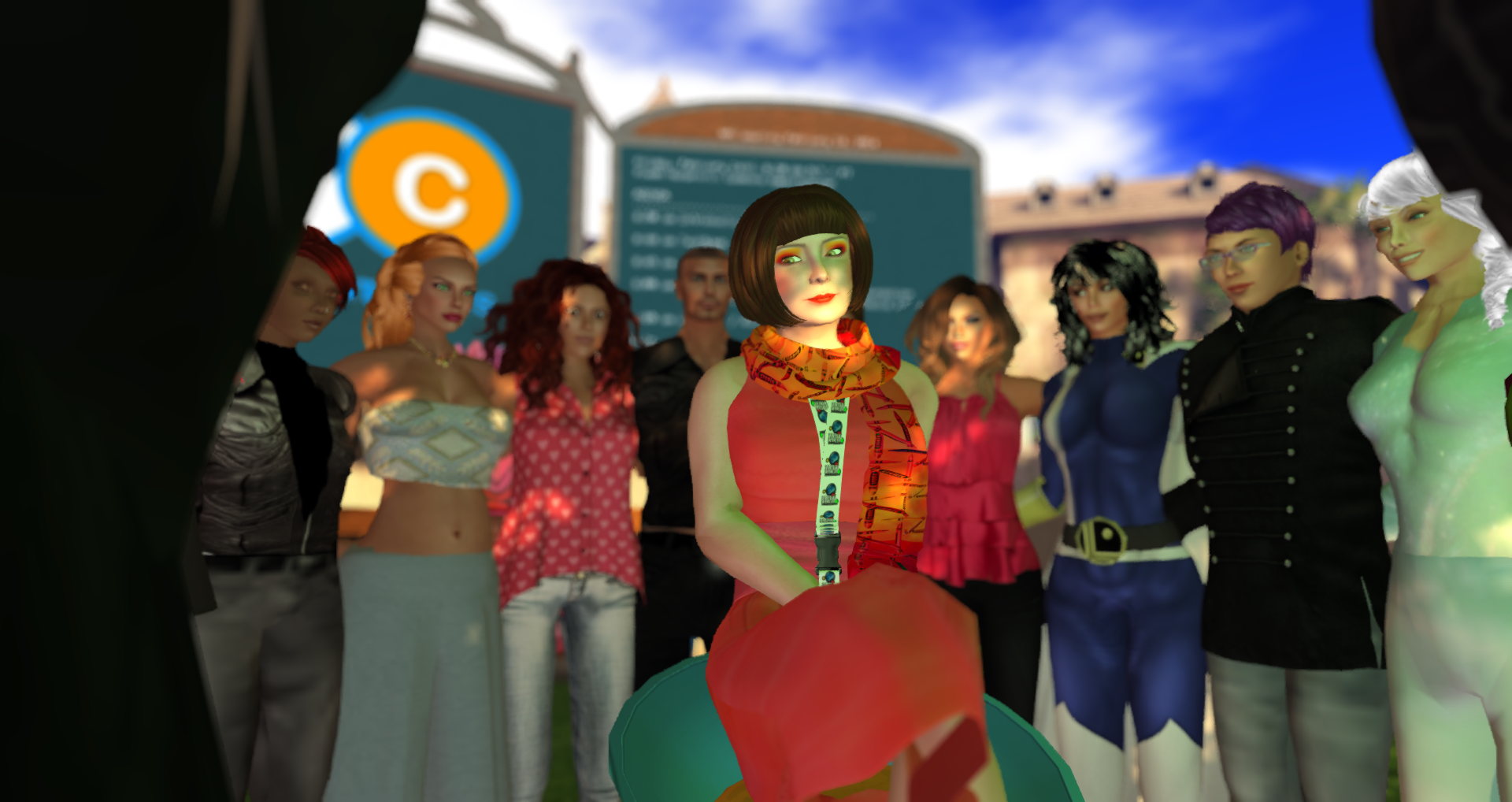
Overcoming bad WiFi at crowded events for streaming audio.

Susan Tenby was having trouble getting an intelligible stream out of a large convention in DC. Conventions, especially conventions full of geeks, have terrible WiFi, which makes SL voice unusable. Here are some suggestions for the future for getting better audio through when bandwidth is sputtering or slim.

Skype – good sound quality. lowers its data density to accommodate poor bandwidth but does NOT have any tolerance for dropped packets. if you lose a solid data stream for more than half a second, skype calls will drop.

Recommended for – situations where bandwidth is stable but limited
Not recommended for – situations where bandwidth comes in “burps” – most common situation in large conventions.

****** – TOP RECCOMENDATION – Ventrillo – Common, free, easy to install platform used by large communities of MMO gamers. Has native data buffering so it has a great deal of tolerance for bad connections. Lower sound quality than skype. High tolerance for bad or overloaded connections. Designed for gamers doing large raids in WoW and such that take massive spikes in data during heavy action. Typefrag.com is an excellent and commonly used hosting service with very low cost (like $10/year)

TeamSpeak – Same as ventrillo. Free server program. No real hosting services worth a look though.

**** Playing to SL sims – these need be bridged by a utility such as WinAmp/ Just send your Ventrillo/steam/teamspeak sound to someone off-site on a stable connection, and they can either use the audio bridge, or just use the old trusty place-microphone-against-speaker technique, which honestly works just as well.

You can use a handy little program found here – http://www.tmurgent.com/download%5CTMnetsim32_02040000.zip to test various formats from the safety of your office. It is able to simulate VERY BAD network quality and is a nice little tool.

–Hydra Shaftoe / Jason Pace

Written by: HydraShaftoe

Second Life Fundraisers to Support Japan

Japan fundraiser kowloon_002

At the Nonprofit Commons, we are devastated by the loss of life and destructive impact of the earthquake and tsunami that struck Japan last week.  There is a vibrant and active Japanese community in Second Life, some of whom have come to our NPC meetings to update us on the relief efforts there.

Meanwhile, we are heartened to see that Second Life residents and organizations have responded to the tragedy through various fundraisers and virtual goods to help the people of Japan recover from this disaster. Here are a few that we know about.

Linden Lab, the makers of Second Life, are encouraging residents to contribute to Japan relief through the purchase of virtual teddy bears.  So called “Linden Bears” have long been a prized item in the Second Life community, typically only available directly from staff members of Linden who give them out.  These Japan-branded bears are available on their online marketplace here.  Each bear costs between L$300 and 3,000, which is the equivalent of about US $1 to $10.

In the Kowloon sim of Second Life you can purchase a number of nice items, the proceeds of which go to aid the Japan recovery effort.  Head to this teleport link to check it out.  New World Notes has info about other fashionable items you can purchase for your avatar that assist in Japan relief.

There are several other fundraiser and support events in Second Life happening over the next few days:

  • Pacific Crisis Center: More than 400 brands come together to offer products, with proceeds going to disaster aid relief. Participating designers have created new and exclusive items with 100 percent or 50 percent of profits going to the AmeriCares charity to help in Japan and the Pacific. Shop, donate, enjoy.
  • Japan Resort: Gather and discuss the recent earthquake and tsunami in Japan.
  • Radar Magazine Fundraiser: From March 16 to April 16, Radar Magazine will be hosting and sponsoring a series of events to help raise funds to benefit victims of the Japan earthquake and pacific tsunami relief fund in conjunction with Red Cross. Events include a market with items from some the of top creators in Second Life, a special runway show featuring one-of-a-kind items, and an auction of items featured on the runway.

If you hear about others happening, please send them our way!

Written by: rikomatic

Google Helps Nonprofits

Google has recently launched particular package of discounted and free apps, tools and services which are aimed at the nonprofit community, while for-profit companies, including the providers of no credit check loans, will have to buy them.

Some apps are really offered by Google at no cost for nonprofits, while others are provided with reduced price. Besides, these groups are allowed to use Google Earth in order to tell their story with the help of mapping technologies performed by Google and to visualize their cause.

Meanwhile, the Google’s YouTube unit raises the upload limits and gives a ‘donate’ button to the nonprofits that can place it on their videos.

Written by: SusanM

VW Best Practices in Education This Weekend: March 17-19

This weekend, from March 17-19, the 4th annual Virtual World Best Practices in Education Conference is coming to Second Life.  The gathering is intended to provide “opportunities for participants in all virtual worlds to share current teaching, learning, and research practices in 3D virtual environments.” 

I’m blown away checking out the schedule for the weekend. Among the interesting talks and workshops:

Plus there’s a whole Portuguese language track, a teen fair and a steampunk ball at the end!

For more info and to register, head to http://www.vwbpe.org. Did I mention that it’s totally free?

Written by: rikomatic

Second Life and Zynga Support Fundraisers for Japan Relief

Linden Bear to support Japan relief efforts

As the death toll rises in Japan from the devastating earthquake and tsunami last week, and the cost of recovery approaches astronomical figures, one small ray of light is seeing how various communities around the world have rallied to help this embattled country and its people. Even in the virtual world , people are opening up their hearts and wallets to help out.

Zynga logo Gamasutra reports that gaming company Zynga has released a several virtual items that players of their seven online games can purchase, the proceeds going directly to Save the Children Japan to help with relief efforts.  Zynga has an admirable history of using their social games as a means of collecting donations for various worthwhile causes, from Haiti earthquake relief, a children’s hospital and the SPCA. Check their zynga.org site for more info.

Meanwhile, Linden Lab, the makers of Second Life, are encouraging residents of their world to contribute to Japan relief through the purchase of virtual teddy bears.  So called “Linden Bears” have long been a prized item in the Second Life community, typically only available directly from staff members of Linden who give them out.  These Japan-branded bears are available on their online marketplace here.  Each bear costs between L$300 and 3,000, which is the equivalent of about US $1 to $10.

Radar Magazine in Second Life is also planning a monthlong fundraiser from March 16 to April 16, according to Examiner.com.  Head here for details on how you can help.

Other fundraisers and benefits look like they are in the works as we go to press.  For Second Life, search their calendar for upcoming events.  

Written by: rikomatic

Free Office Space Available for Social Benefit Orgs on Nonprofit Commons Archipelago

Plush Nonprofit Commons

As part of my duties as Community Manager at the Nonprofit Commons, I have the fun responsibility of bringing in new nonprofits into our virtual world space.  While we are always welcome to have visitors — which we have hundreds of each week — we really want groups to explore the full spectrum of what virtual worlds can do for them.

One of the easiest ways to do that is to set up a virtual office space in-world.  The Nonprofit Commons is fortunate enough to have four sims in our archipelago, within which we offer free office space for qualifying nonprofit / social benefit organizations. Check out our directory of the 145 groups that call the Nonprofit Commons their virtual home.

If you are affiliated with an organization interested in receiving free virtual space to develop your digital presence, head to our website to learn about the whole process.  It’s easy to get started, and we have several mentors and volunteers who can get you off on the right foot. 

While we welcome groups from a variety of sectors and causes, we have immediate openings in our Health and Eco Commons sims. So if you are a group that is concerned with health, wellness, disability, the environment, sustainable development and other related areas, you are especially invited to apply.  Others of course can register for a space, which we will provide on a first-come-first-serve basis.

If you have questions, please see our website, email nonprofitcommons@ techsoup.org or IM Rik Riel for details.  We look forward to hearing from you!

Written by: rikomatic

Travel for Change Seeks Virtual Participants for “Co-creation” Workshop on March 9

TRAVEL-FOR-CHANGE

We got news that some researchers helping set up a new non-profit called “Travel for Change” are looking for participants for a “co-creation” workshop they are holding on March 9 in Second Life.  The purpose of the workshop is to conduct research in how workshops can be held in a virtual world, versus in a real life setting.

The workshop is on March 9, at 8am PST.  See their website for more information and click here for the teleport location in Second Life.

Written by: rikomatic